|
| > iacl.org > aspImageHandler
aspImageHandlerInvisible Gold Image Resizing: Note. 4 & 5 do not exist 7 is "don't resize"
(not pictured)
Size 10 3XLarge 1024 x 768 px
Size 11 4XLarge 1280 x 1024 px
Size 12 5XLarge 1600 x 1400 px
Size 13 6XLarge 2400 x 2100 px
Size 14 5XLarge 3200 x 2800 px
In IG, it is possible on most templates to manually add an image. We use the getimage.asp call for the best results shoosing one of the sizes to render our image.

Note: In the example we use the a href html command to display a thumbnail of desired size as well as the target image, also in desired size. The System button at the top of the screen is used to add additional images. Also the image can come from another page on the site.
1 - 75px (extra small)
2 110 x 125px (small) 
3 225 x 225px (medium)
6 400 x 400px (large) 
8 600 x 600 px (extra large)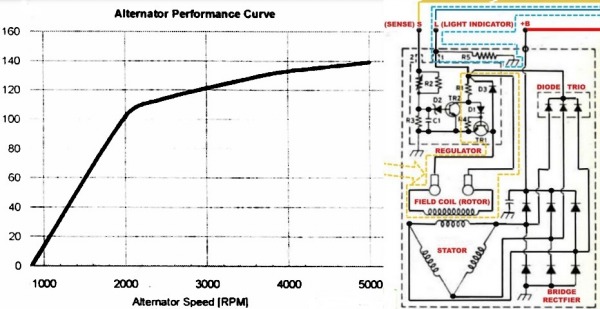
9 800 x 800px (extra extra large)
|
|
|